
Field report
Someone rode a bike onto an active construction site on a weekend. Here's how it was flagged and settled.
A real alert from a San Francisco jobsite in January 2026: a person on a bicycle came through the gate, the camera flagged it, site security was told, and a wrong turn was sorted out before it became a problem.
San Francisco, CAVuePoint
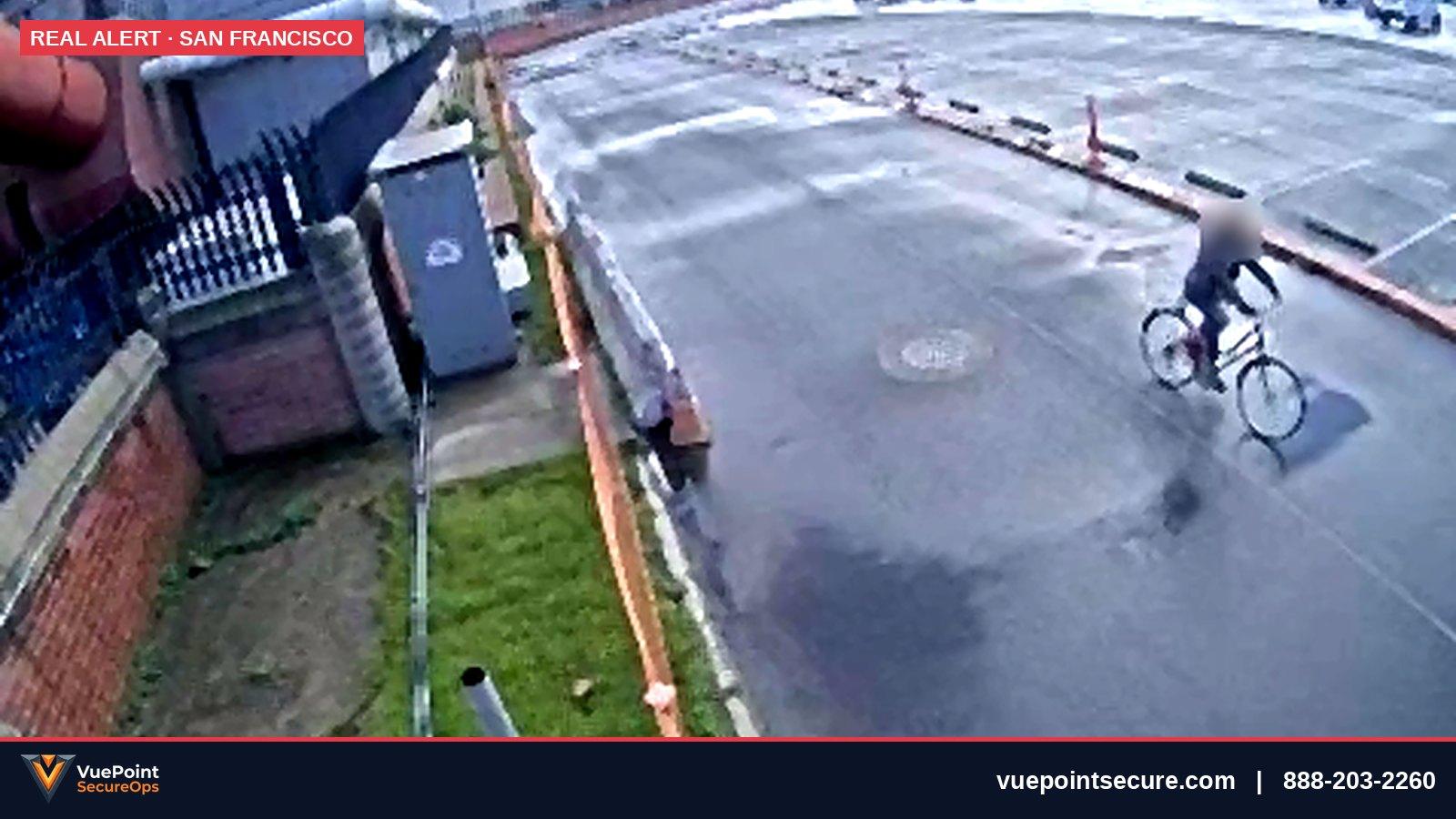
On a weekend in January 2026, a camera at a San Francisco construction site flagged a person riding a bicycle through the site gate. The alert went to the site's security contractor, the on-site guard walked over and spoke to her, and it turned out to be an honest wrong turn — she left and the site was confirmed secure. Nothing dramatic happened, and that is the point: on a jobsite the expensive incidents start exactly like this one, with someone who isn't supposed to be there coming in through an open gate. What matters is whether anyone finds out while it is still a conversation.
What happened
| When | What the camera saw | What happened |
|---|---|---|
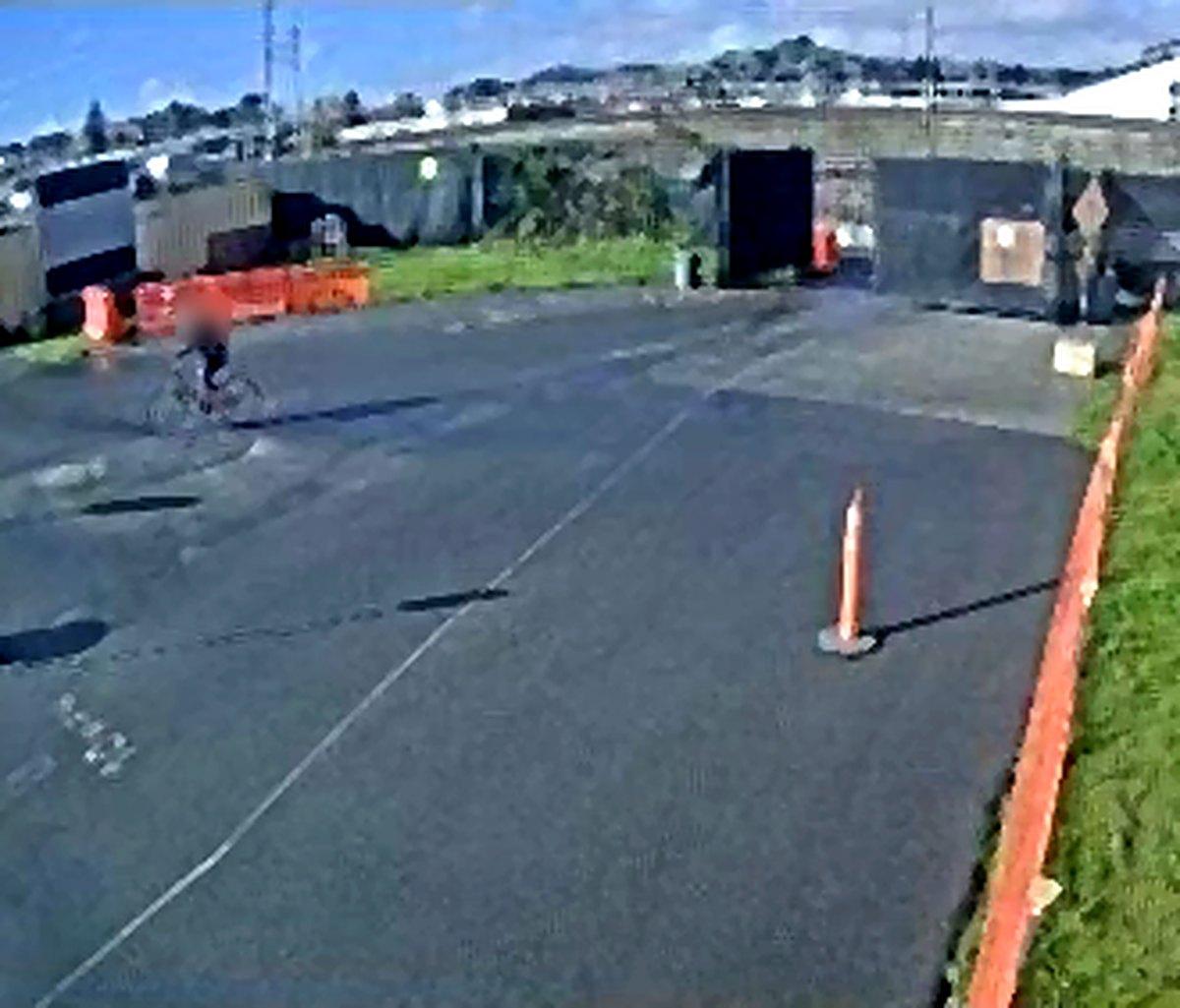
| First detection | A person on a bicycle inside the gate, in the paved staging lot | Person detection raised an alert |
| Immediately | — | The site's security contractor was notified |
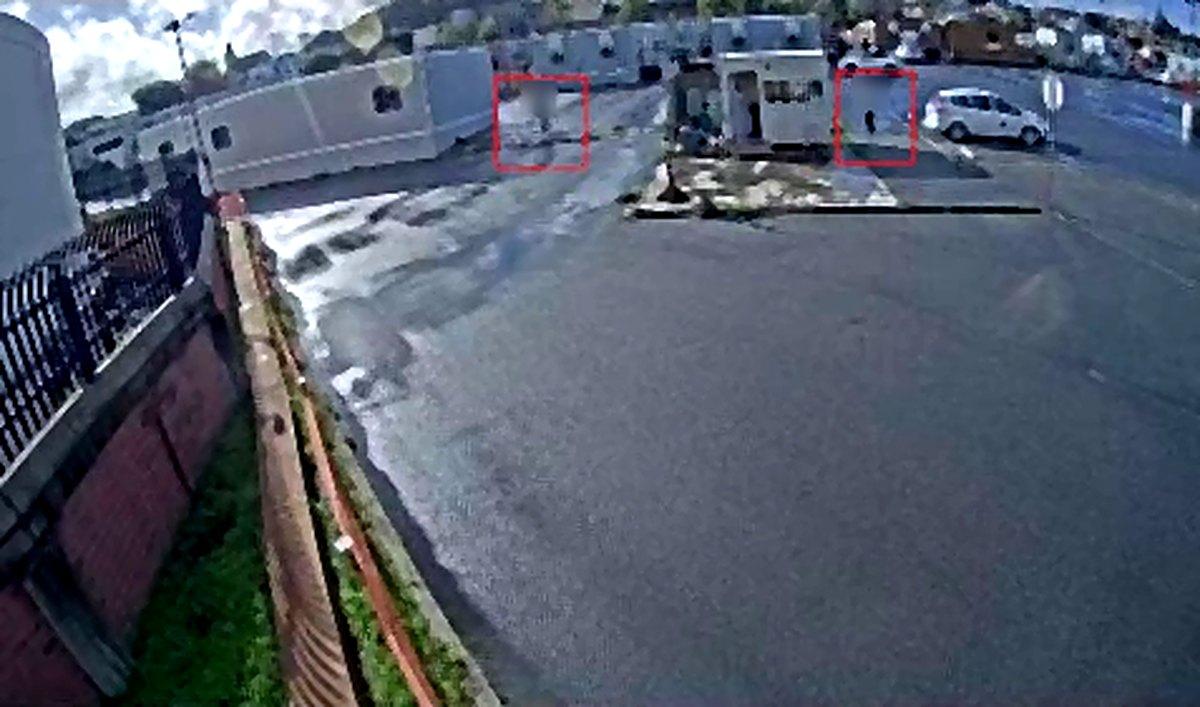
| Minutes later | The guard and the cyclist near the guard booth | The guard spoke with her and asked her to leave |
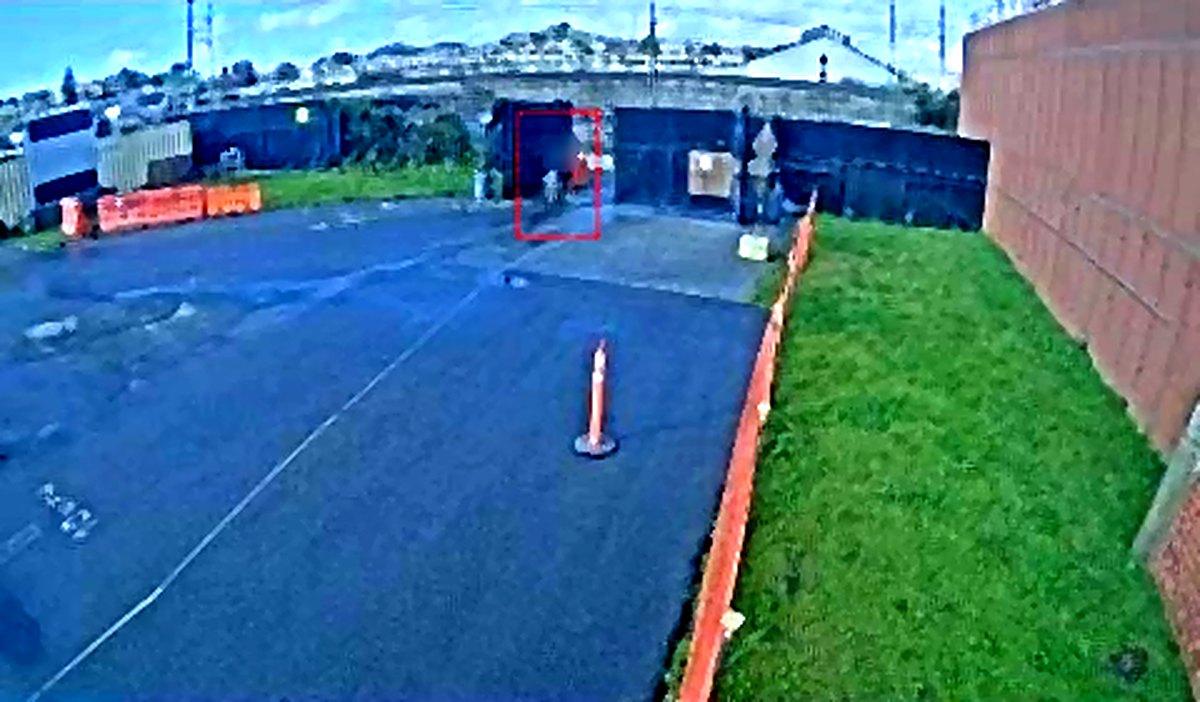
| After | The cyclist riding back out through the gate | Site checked and confirmed secure |
Why it was caught
- A camera looks straight down the entrance lane. The gate and the lot inside it are in one frame, so anyone coming in crosses the whole view.
- Detection is set to people, not motion. Rain on wet asphalt, shadows and blowing fence fabric move all day on an open site. A person-only rule means the alert that does go out is worth reading.
- The alert goes to someone who can act on it. Here that was the site's own security contractor, who had a guard on site. On a site without a guard, it is the superintendent or whoever holds the after-hours call list.
- The schedule covers weekends. Sites are busiest on weekdays and emptiest on weekends — the cameras need to be armed when the crews are gone, not just overnight.
What would have missed it
The common setup on a jobsite is a recorder in the trailer and cameras nobody looks at until Monday, when someone notices a missing generator and scrolls back through footage. In that setup this weekend visit leaves no trace anyone reads — and the next visitor, who might not be lost, gets the same welcome. The other common failure is motion alerts on every camera: by the second rainy night the notifications are muted, and a real person on site looks exactly like the hundred false alarms before it.
How to secure a construction site on weekends and after hours
- 1
Cover every way in
Put a camera on each gate and each gap in the fence line, aimed along the approach so a person crosses the frame rather than walking straight at the lens.
- 2
Alert on people and vehicles only
Use person and vehicle detection, not pixel motion, and draw the detection zone inside the fence so people on the sidewalk don't trigger it.
- 3
Arm it when the crews leave
Schedule detection for nights, weekends and holiday breaks, and turn it off during work hours so the team isn't flooded.
- 4
Decide who gets the alert
Name one person or contractor per time window who receives alerts and is expected to act — a guard, the superintendent, or a monitoring operator.
- 5
Close the loop
Every alert should end with a note: who checked, what they found, whether the site is secure. Those notes are what you show an owner or insurer.
- 6
Keep the stills
Save the frames from every alert. A pattern of 'wrong turns' through the same gate means the gate or the signage needs fixing.
Common questions
- Do construction sites need security cameras on weekends?
- Yes — weekends and holiday breaks are when a site is emptiest, so they are when cameras with alerts matter most. Schedule detection for every hour the crews are not on site.
- What should happen when a camera detects someone on a closed jobsite?
- The alert should reach a named person who can act — a guard, the superintendent or a monitoring operator — and end with a written note of what was found. Detection without someone to act on it is just a recording.
- How do you cut false alarms from construction site cameras?
- Use person and vehicle detection instead of motion, and limit the detection zone to inside the fence. Rain, shadows and moving fabric are the usual causes of false alerts on open sites.
Want alerts like this on your jobsite?
Tell us about the site — gates, fence line, power — and we'll send a camera and coverage plan.